customization options northshoretimingonline help organizers match event settings to local needs and brand. The platform lets users set time zone, locale, and display options. It also lets staff control device behavior, result exports, and access levels. This article explains seven concrete ways organizers can change settings, send reports, and protect data. Readers will learn which controls matter and how to apply them for reliable race operations.
Table of Contents
ToggleKey Takeaways
- Customization options in NorthshoreTimingOnline allow organizers to tailor event settings such as time zone, branding, and locale to enhance race-day consistency and local relevance.
- Event setup customization supports diverse race types, distances, start formats, and scoring rules, ensuring accurate timing and results management.
- Timing device configurations enable integration of chip, RFID, gun time, and backup methods with priority rules and pre-race testing for reliable data capture.
- Results display and export settings facilitate live updates, customized views, and automated exports in multiple formats to support partners and media needs.
- Custom leaderboards and athlete views offer filtered displays, pinned highlights, and participant self-service features while protecting personal data.
- Access control features secure race operations by assigning user roles, permissions, two-factor authentication, and activity auditing to safeguard data integrity.
Account And Profile Customization: Branding, Time Zone, And Locale Settings
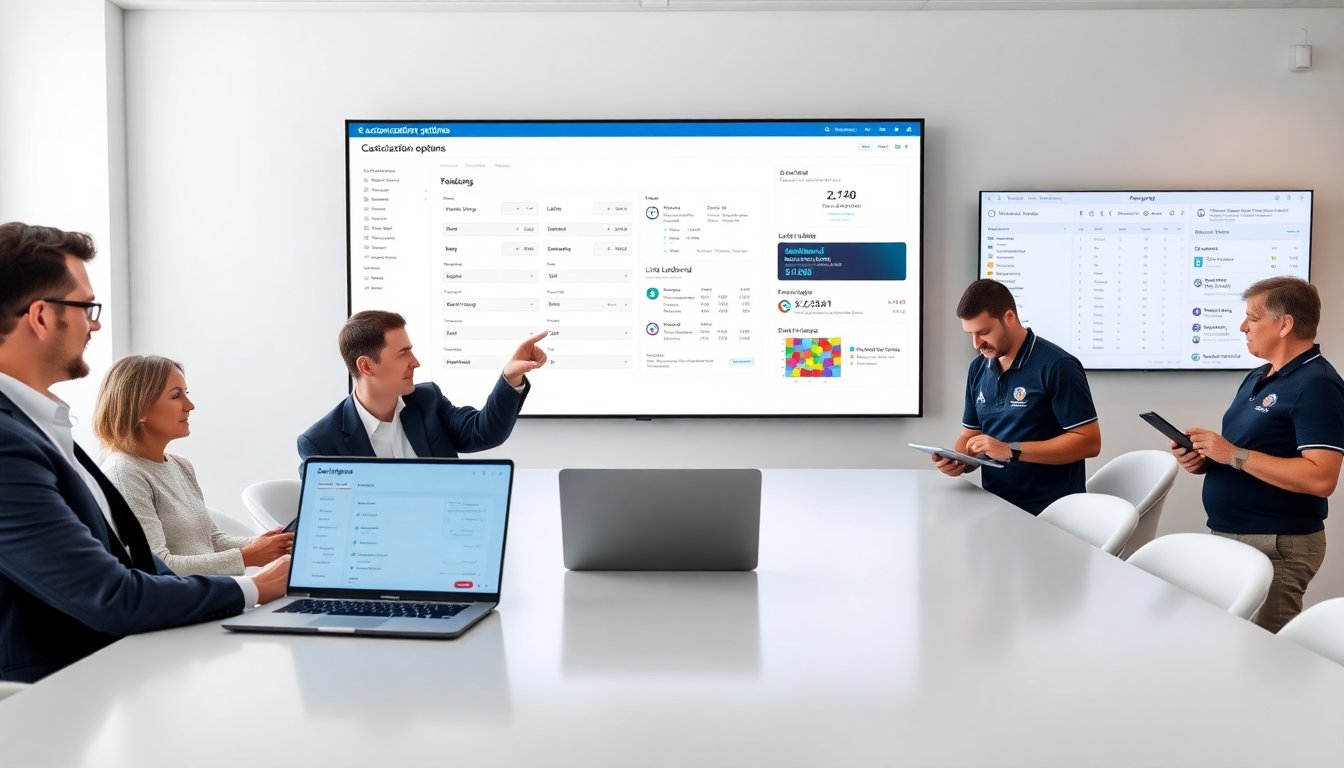
Organizers use customization options northshoretimingonline to match brand and local preferences. They upload logos and set event color schemes. They choose the account time zone so results reflect local race time. They set language and locale for date formats and number formatting. They enter contact details that appear on registration receipts and result pages. They link official social profiles for sharing. They save templates for repeated events so organizers avoid repetitive setup. These settings reduce manual edits and keep public pages consistent.
Event Setup Options: Race Types, Distances, And Start Formats
Event managers rely on customization options northshoretimingonline to define race specifics. They select race type such as road, trail, or virtual. They input official distances and create custom splits for multi-loop courses. They choose start formats: mass start, wave start, or time trial. They set start lists and assign bib ranges. They mark events as age-group or overall scoring. They enable cutoff times and assign manual result review rules. These choices ensure the timing system applies correct calculations and result rules.
Timing Device And Sensor Configuration (Chip, RFID, Gun Time, And Backup Options)
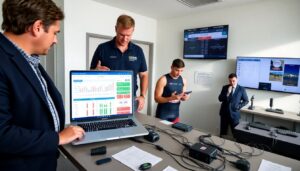
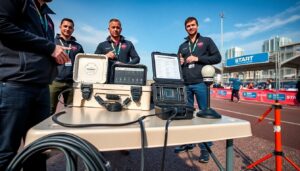
Race techs use customization options northshoretimingonline to map hardware to event logic. They register chip and RFID profiles and set expected read zones. They enable gun time when races need an official gun start. They add backup inputs like secondary antennas and manual timing entries. They assign priority rules so the system chooses chip time over backup when both exist. They set signal thresholds and test read ranges before race day. They export device logs for post-race review and forensics.
Results Display And Export Formats: Live Results, CSV, And API Delivery
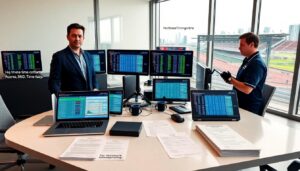
Timing teams use customization options northshoretimingonline to control how results appear and leave the system. They enable live result feeds for spectators and set refresh intervals. They customize which columns display on public pages. They export final files as CSV, Excel, or PDF for partners. They configure the API to push results to partner sites and timing apps. They set automatic file naming and version control to avoid overwrites. They schedule exports so media and scoring partners receive files on time.
Custom Leaderboards, Filters, And Athlete Views
Organizers use customization options northshoretimingonline to create tailored leaderboards. They add filters for age group, gender, team, and category. They design views that show split times, pace, and rank changes. They pin featured athletes or sponsors to the top of pages. They save custom views for broadcast partners and volunteers. They enable athlete self-service so participants can see and download individual results. They limit which fields appear on public leaderboards to protect personal data.
Notifications, Integrations, And Automated Reporting (Email, SMS, And Third‑Party Tools)
Event staff use customization options northshoretimingonline to automate communication. They set email templates for confirmations, bib pickup, and final results. They create SMS alerts for wave starts and emergencies. They link the platform to registration providers and payment processors. They connect to social platforms for automated posting of top finishers. They schedule end-of-day reports that include participation counts and DNS/DNF lists. They map data fields to partner formats so downstream systems ingest data cleanly.
Access Control, Permissions, And Security For Race Staff And Volunteers
Admins use customization options northshoretimingonline to protect data and define roles. They create user groups such as admin, timer, scorer, and volunteer. They assign permissions for editing events, exporting results, and viewing financials. They enable two-factor authentication for sensitive accounts. They audit user actions with logs that record edits and exports. They set IP or time-based restrictions for remote access. They revoke access instantly when staff changes. These controls reduce errors and secure participant data.