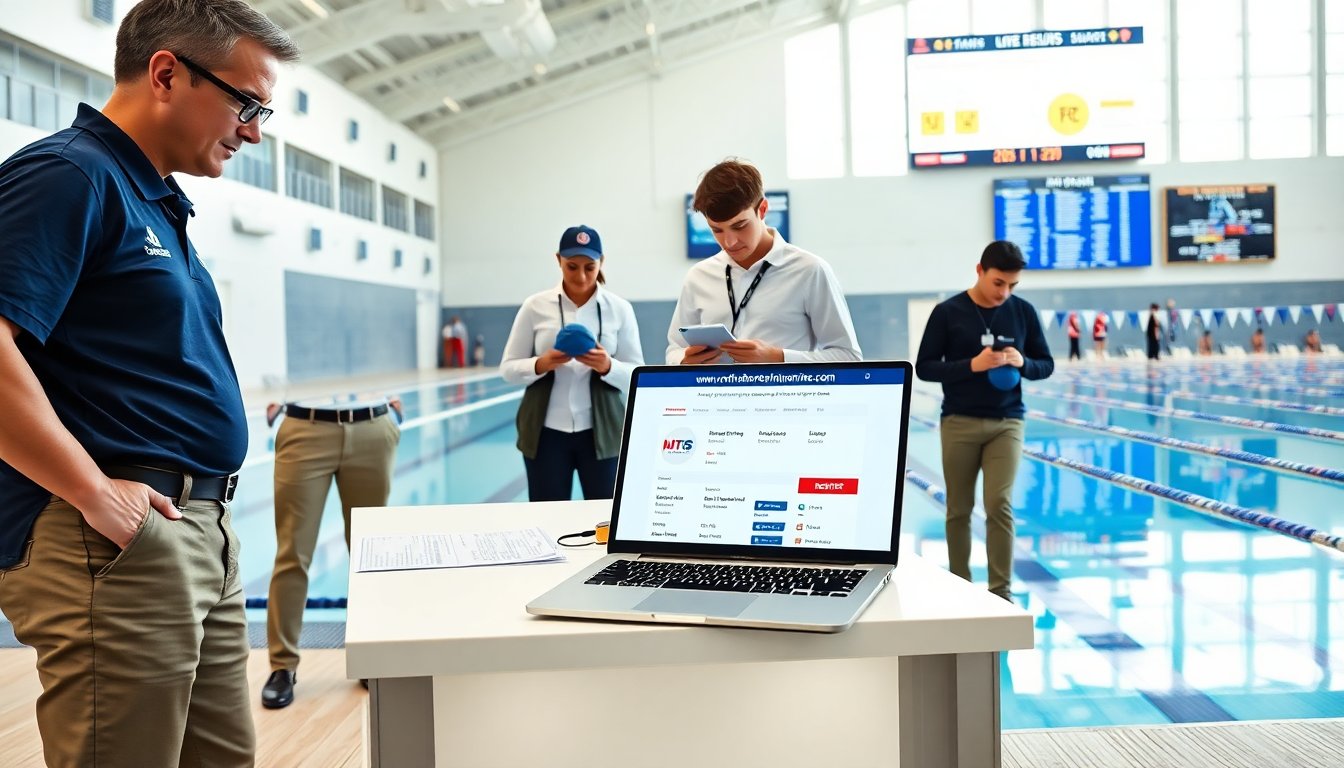
www.northshoretimingonline.com helps athletes, parents, and meet organizers register and track swim meet results. The site gives event listings, entry forms, payment options, and live timing links. This guide explains what www.northshoretimingonline.com does, how users sign up, and how they get results fast. It keeps steps clear so users can act quickly and avoid common errors.
Table of Contents
ToggleKey Takeaways
- www.northshoretimingonline.com streamlines swim meet management by providing event listings, registration, payment processing, and live timing results in one platform.
- Users must create and maintain an account with accurate contact and payment information to efficiently register athletes and track entries on www.northshoretimingonline.com.
- The site offers separate permissions for parents, coaches, and team admins to manage athlete entries and payments securely and collaboratively.
- Registering early and verifying entries before deadlines on www.northshoretimingonline.com helps avoid last-minute issues and ensures participation in desired events.
- Live results and downloadable exports for start lists, heat sheets, and meet results provide real-time updates and records for participants and organizers.
- Troubleshooting tips include password resets, checking for duplicate entries, payment alternatives, and contacting support through the site’s help form when issues arise.
What NorthShoreTimingOnline.com Is And Who Should Use It
www.northshoretimingonline.com is an event management site for swim meets. It lists upcoming meets, accepts entries, and links timing results. Clubs use the site to post events and collect fees. Coaches use it to submit team entries and heat sheets. Parents use it to register swimmers and pay entry fees. Officials and fans use the live results pages during events. New users should check event details, entry deadlines, and refund policies on www.northshoretimingonline.com before they commit.
Creating And Managing Your Account
Users must create an account to enter events on www.northshoretimingonline.com. The site keeps athlete profiles, payment info, and past entries. Teams can link members to a coach account for bulk entry. Users should keep email and contact info current. The site sends confirmations and payment receipts to the account email. Users can update details, change password, and view transaction history in account settings. The site requires a valid email and basic profile information to complete registration.
Registration Steps: From Sign‑Up To Event Confirmation
First, a user signs up on www.northshoretimingonline.com with name and email. Next, the user verifies the email and completes athlete profiles. Then the user finds the meet and starts the entry form. The user selects events, adds times, and confirms team affiliations. The site then prompts for payment. After payment, the site sends an entry confirmation and a receipt. The user should save the confirmation and check the meet timeline for scratch deadlines and warm-up times.
Account Settings, Permissions, And Parent/Coach Access
Account holders can set roles on www.northshoretimingonline.com. A parent can add a child and control entries. A coach can add team members and submit group entries. The site offers permission options for viewing and editing athlete data. Team admins can assign coach access to manage payments and entries. Users should review permission settings to protect personal data and to ensure the right people can enter events and pay fees.
Key Features, Practical Tips, And Best Practices
www.northshoretimingonline.com lists meet details, entry limits, and time standards. The live results links show heat and final times during an event. Users should save meet codes and check event age groups before entry. Coaches should use the team upload to reduce manual entry time. Parents should add backup payment methods to avoid last-minute declines. Users should clear browser cache if pages load slowly. For large meets, register early and confirm entries a day before the deadline on www.northshoretimingonline.com.
How Event Registration, Payments, Live Results, And Exports Work
Registration on www.northshoretimingonline.com follows a form-driven flow. The site captures athlete data, event choices, and seed times. Payment uses standard card processing and sends a receipt to the account email. The site supports bulk team payments and itemized fee reports. During a meet, the site links to timing providers and shows live results by heat and lane. Organizers can export start lists, heat sheets, and full results as CSV or PDF for scoring and records. Users should download exports soon after the meet to archive records.
Common Issues, Troubleshooting, And Contacting Support
Users may see login errors, duplicate entries, or payment declines on www.northshoretimingonline.com. For login issues, users reset the password from the sign-in page. For duplicate entries, users compare confirmation emails and request a refund or correction through the event page. For payment failures, users try a different card or contact their bank. If live results lag, users refresh the event results link and check the meet status. For unresolved problems, users contact support via the site’s help form or the event organizer contact listed on the meet page.